



Wireless Power Bank – 10,000mAh, 45W, Qi, Ultra-Thin
- Regular price
-
$144.55 - Regular price
-
$186.47 - Sale price
-
$144.55
Note
*The rated capacity of this power bank is 5800mAh (5V/3A)
*The maximum wireless charging power of this power bank is 7.5W for iPhone.
Parameter
Battery type: lithium-ion battery
Model: WPB1025S
Rated energy: 36.77Wh (7.58V 4850mAh)
Rated capacity: 5800mAh (5V / 3A)
Input and output port: USB-C
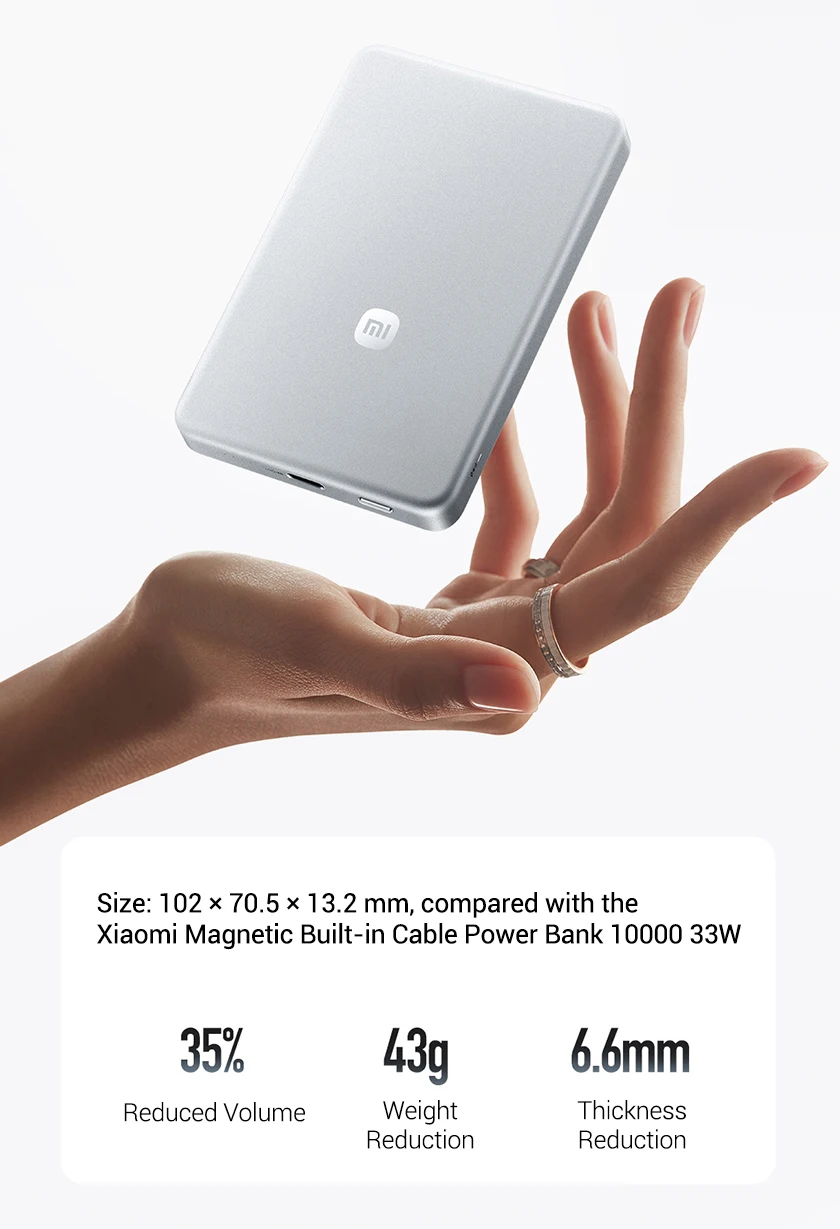
Product size: 102 x 70.5 x 13.2mm
Input: 5V-3A, 9V-3A, 12V-2.5A
Wired output: 5V-3A, 9V-3A, 11V-4.1A, 12V-3A, 15V-3A, 20V-2.25A
Wireless output: 5W/7.5W/15W/20W (Only 7.5W for iPhone)
Output(USB-C + Wireless): 15W
Package list
Power bank x 1
USB-C cable x 1
User manual x 1
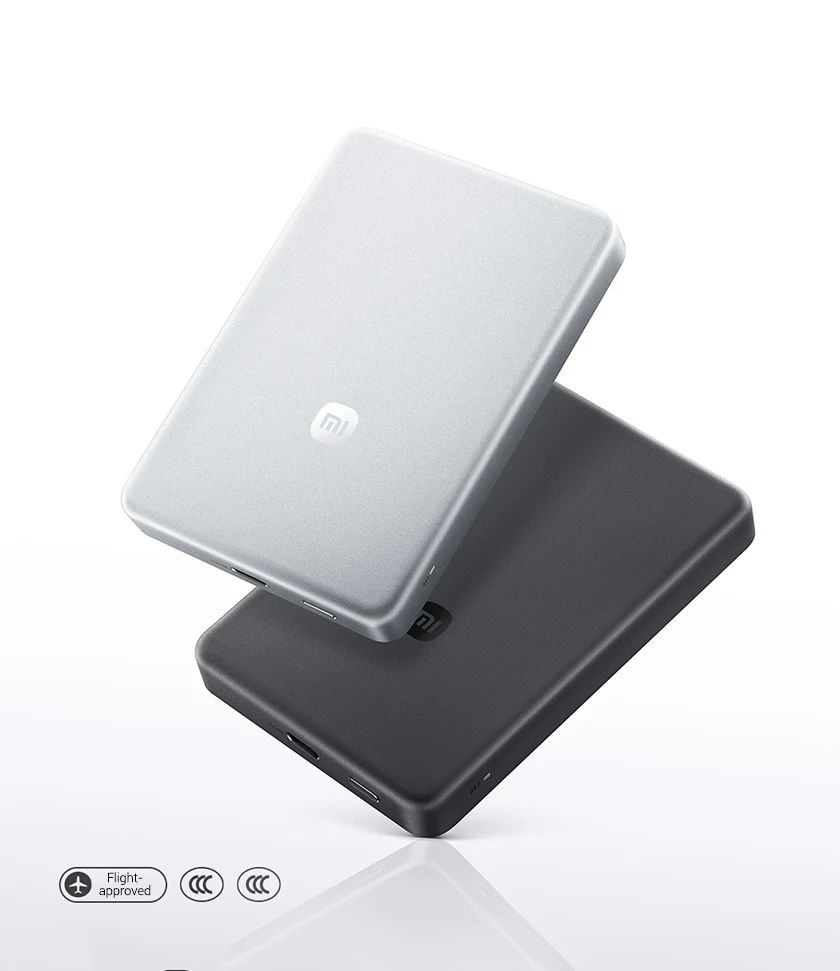
Xiaomi Jinshajiang Power Bank 10000 45W
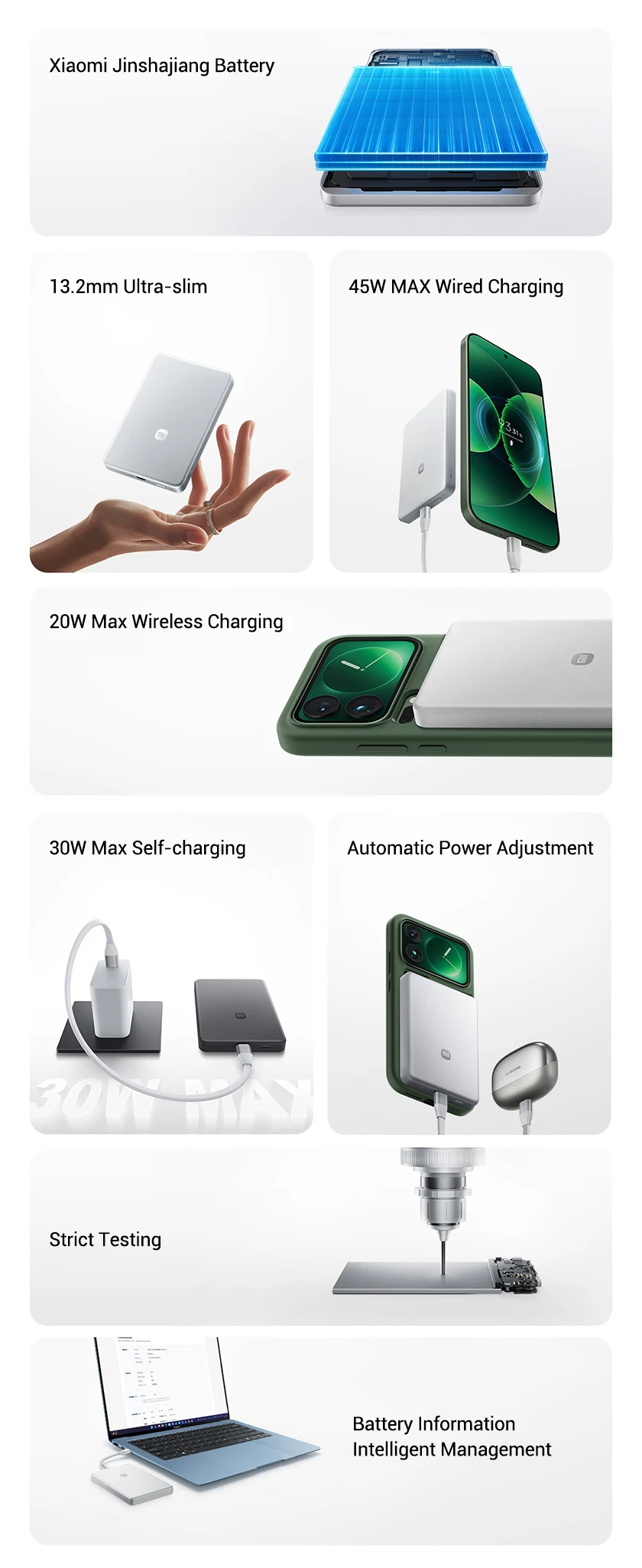
13.2mm ultra-slim
45W Max wired charging
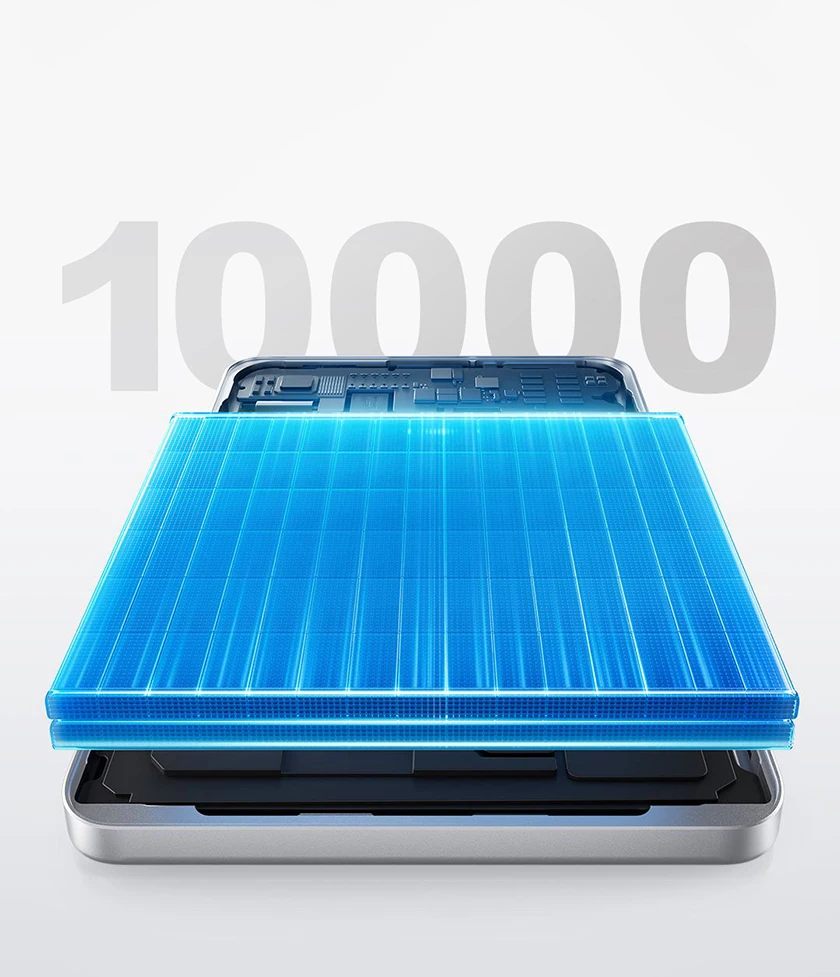
Xiaomi Jinshajiang Battery
Equipped with Xiaomi silicon-carbon anode battery, it boasts an ultra-high energy density of 840Wh/L and a flagship-grade silicon content of 16%. With its extra-large capacity, it delivers long-lasting power for business trips and daily commutes.
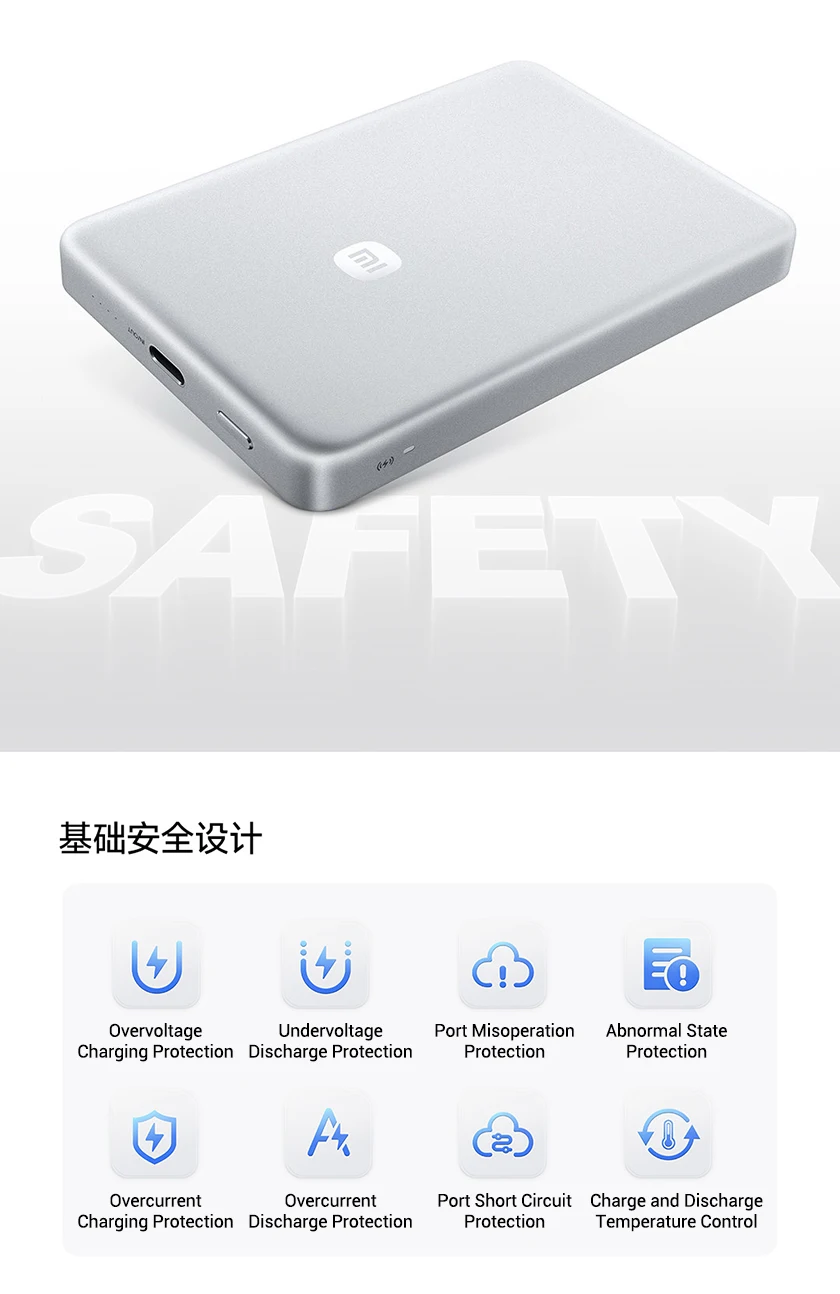
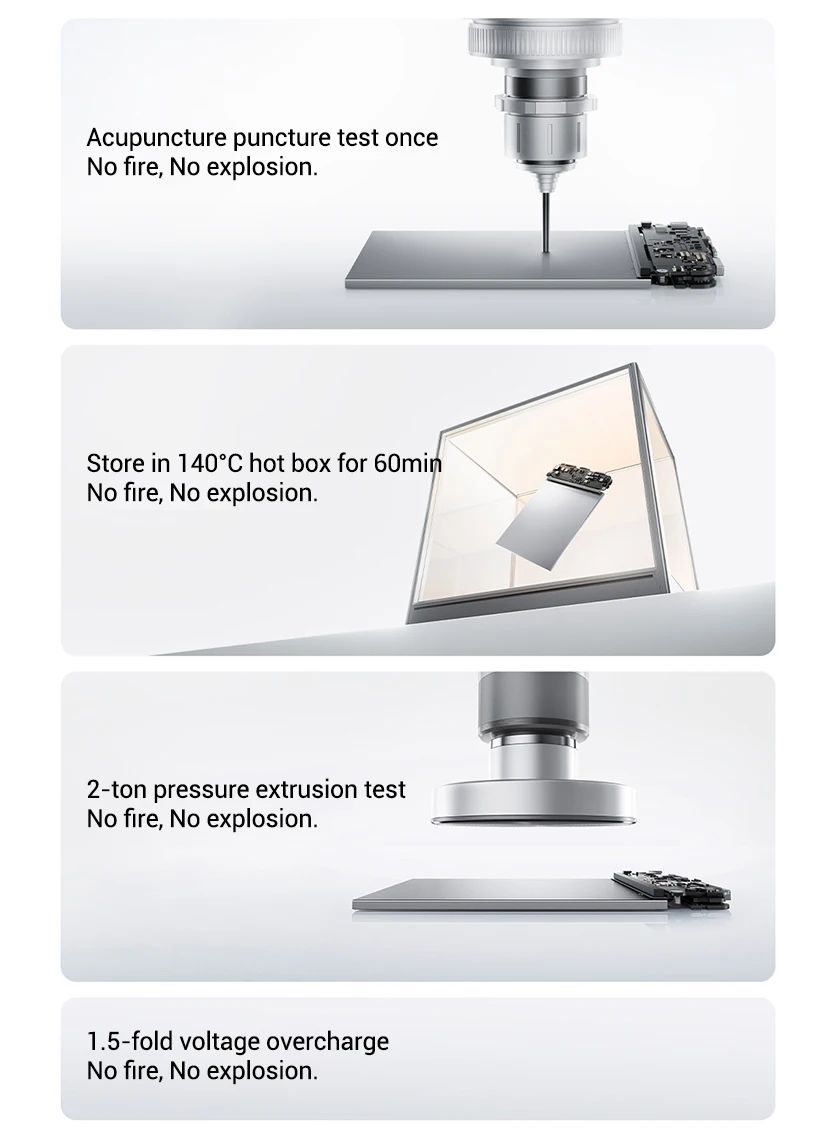
New standard, Higher safety.
Designed in compliance with China's new 2026 safety standards.
Ultra-slim Design with Large Battery Capacity
Wired & Wireless Fast Charging Supported
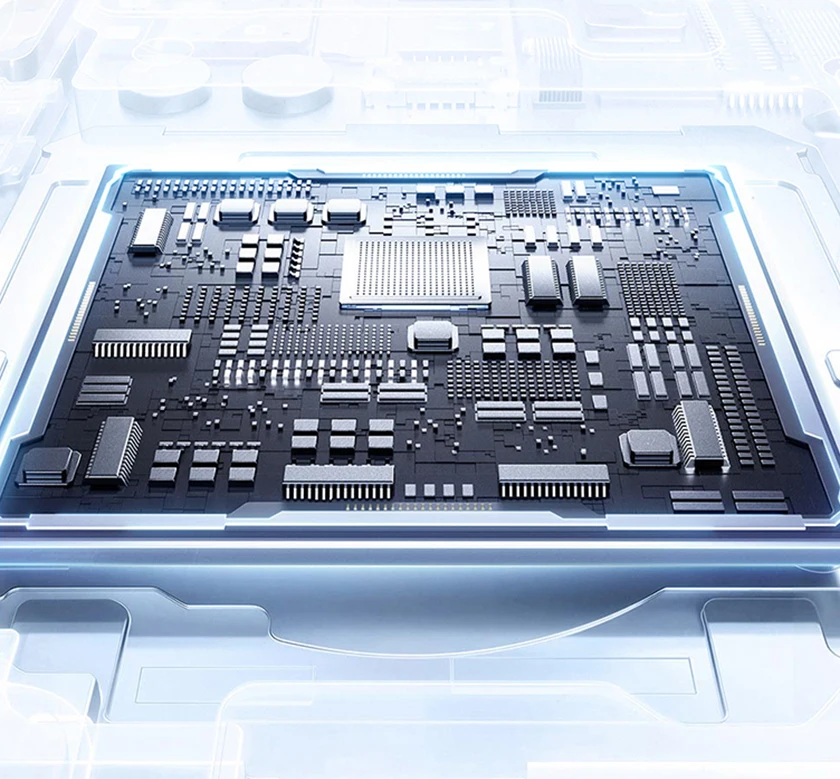
Equipped with an intelligent fast charging chip, widely compatible with mainstream protocols including BC, QC and PD.
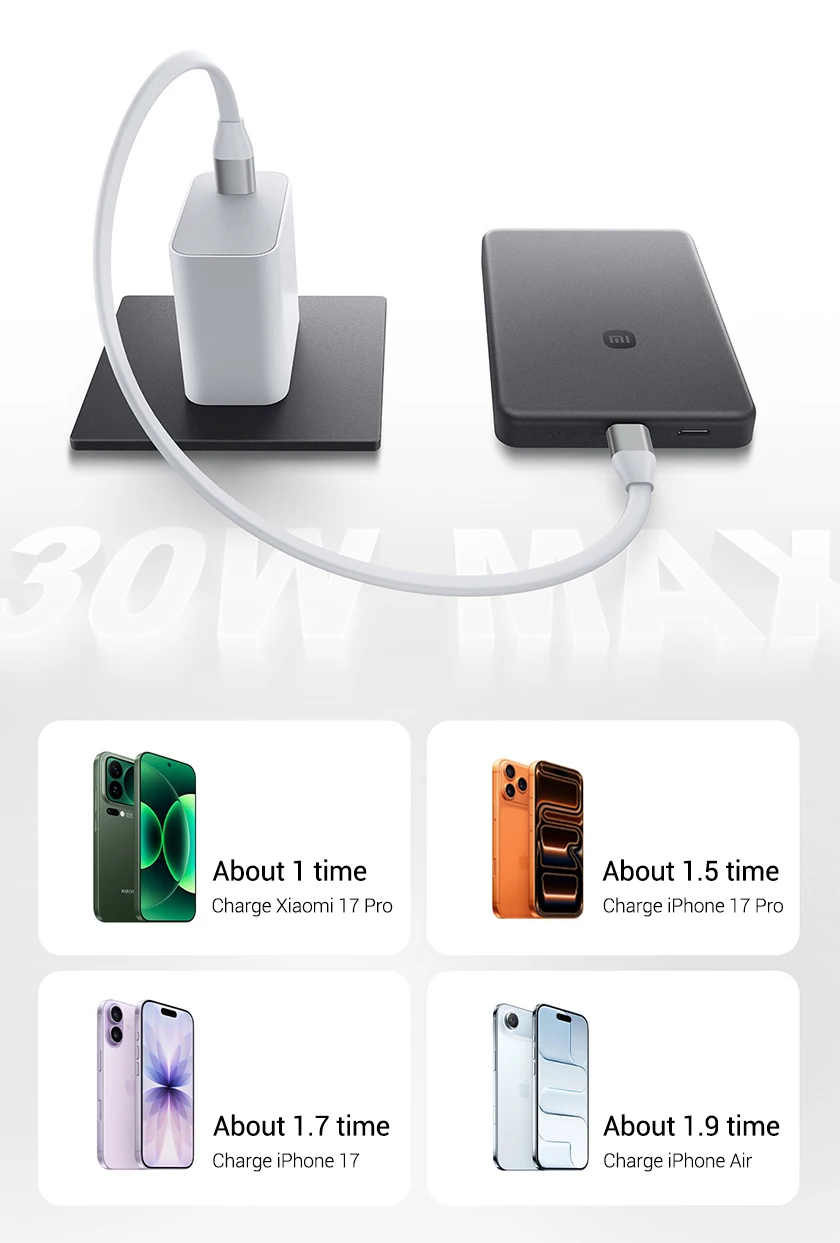
30W Max Fast Self-Charging
The power bank can charge other devices while charging itself.
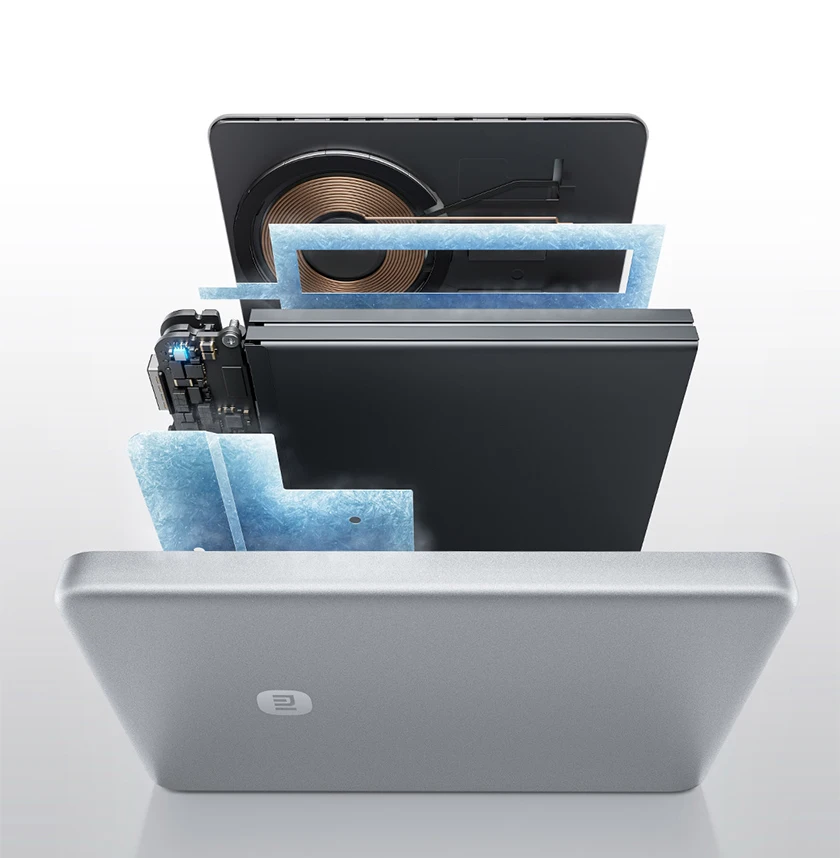
Multi-dimensional temperature control management
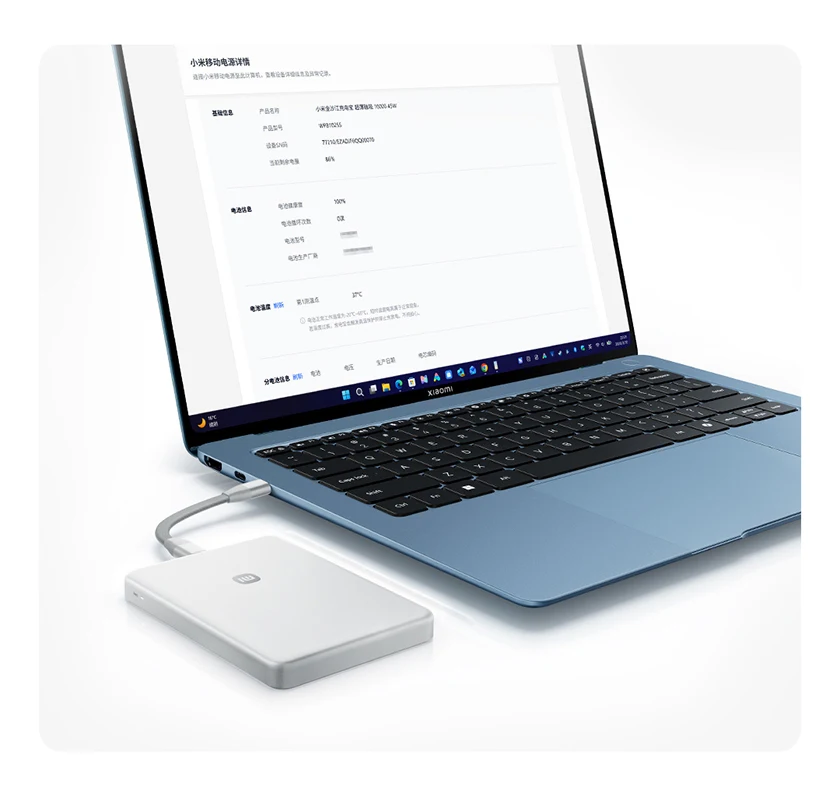
Visual Intelligent Management
Connect the power bank to your computer directly via the included charging cable to view device status, battery health, traceability information and error records.
*Rapidly press the body button 8 times within 4 seconds to enable Data Transfer Mode. The LEDs will light up sequentially. Connect the power bank to your computer's USB-C or USB-A port using a USB-C cable (Note: Wireless charging is disabled in Data Transfer Mode; it will resume once you exit). In the Chrome browser address bar, enter the URL https://powerbank.mieco.net/ and follow the on-screen instructions to view the power bank's information. Rapidly press the body button 8 times within 4 seconds to manually disable Data Transfer Mode; the LEDs will stop flashing.
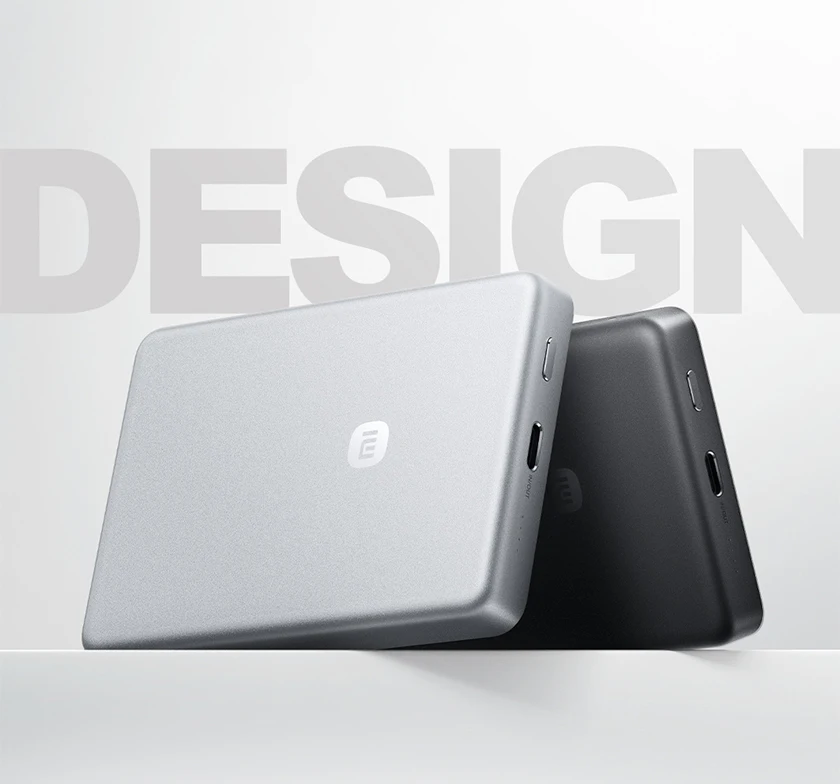
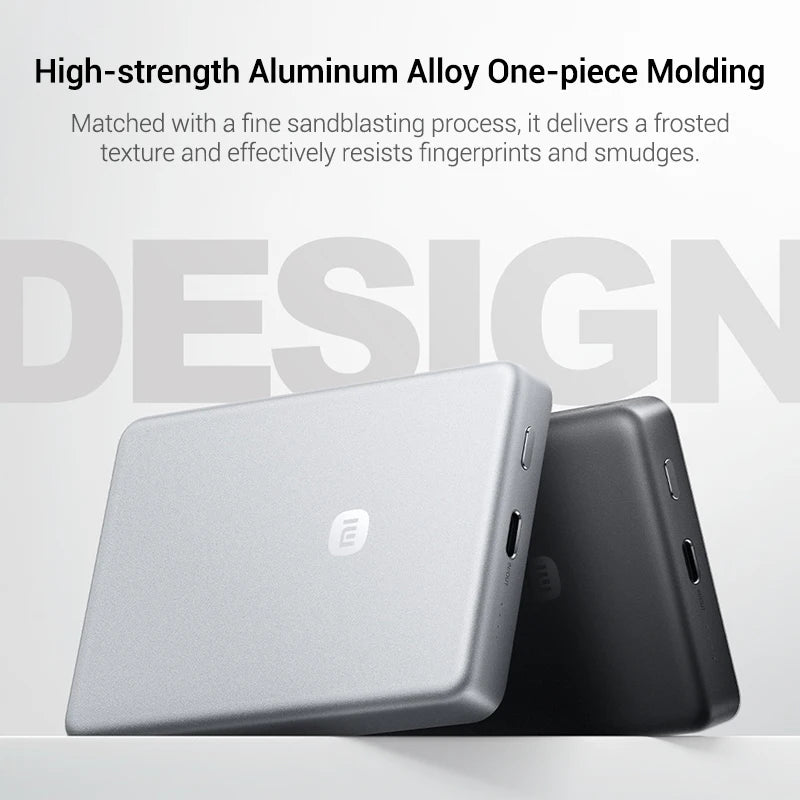
Integrated Aluminum Alloy Molding
Fine sandblasting craft delivers an exquisite matte texture with a smooth and skin-friendly touch. It effectively resists fingerprints and stains.
Shipping information
- No EU import duties.
- Ships within 1-2 business days.
- Ships in our fully recyclable and biodegradable signature boxes.
Couldn't load pickup availability
-
Hurry, only 10 items left in stock!



Why Be Yours?
“Protect Your Skin And It Will Protect You Back”
– DR. BARBARA STURM
FAQs
Are your products organic / natural?
Our products combine the power of naturally occurring and advanced science ingredients that are simple to use, highly effective, non-toxic, non-irritating, and absolutely cruelty-free. We do not use aggressive, irritating ingredients. Beyond this, we do not like labels such as ‘organic,’ ‘natural’ or ‘clean,’ which have no consistent definition and tell you nothing about a product’s safety or efficacy. We are committed to bringing you the very best ingredient science and being certified “organic” does not always yield the best ingredient.
Do your products contain fragrance?
Generally not, but with limited exceptions. “Fragrance,” when used in our products like the ANTI-AGING BODY CREAM, is selected for its pleasant scent but also for its proven tolerability. Most fragrances contain allergic substances, or “allergens”: if present, it is compulsory to state this on the label, even if the percentage contained is minimal. Where possible, we tend to use fragrances which do not contain allergens and which should therefore give rise to fewer problems. When fragrance is present in a our product, is indicated in the list of ingredients as PARFUM or FRAGRANCE.
Is there talc in any of your products?
The minerals that are used to produce talc can contain asbestos, which is why there are legitimate concerns about its potential effect on our health. The talc used in our ENZYME CLEANSER, BABY BUM CREAM and tinted CLARIFYING SPOT TREATMENTS is NOT made of minerals that contain asbestos and thus is not carcinogenic and completely safe. The talc we use is periodically and consistently reviewed by independent laboratories.
What is the shelf life of my product?
All beauty products need to be used by a certain period. This is known as the 'period after opening' and can be easily identified by the PAO symbol. The symbol can be recognised as the shape of an opened jar, and will have a number inside; 9M will indicate 9 months, 12M is 12 months, and 36M is 36 months. Once opened the product should be used in this period, as after this time the quality of the product will deteriorate.
What Clients Are Saying
Paige Alexander“The second product I have bought in the smaller size. Love the little tingle I get on my face after use and a couple of drops is enough.”
Claire Cooper“Fantastic cleanser ! My skin is clean & fresh , ready to absorb the rest of my
Dr. Barbara Sturm skincare routine.”
Sara Bond“This cleanser is very lightweight & doesn’t dry out your skin like most cleansers. I have my teenage son using it & it has helped with his acne.”
Nikolay Balushev“I now don't want to use any other cleanser. Use it in the morning and evenings. It doesn't dry the skin and leaves it nicely clean.”
Angela McCafferty“My skin feels soft and clean after using this cleanser because it’s very gentle and doesn't dry out my skin. i combine with the facial scrub every other day.”
Express yourself with
#ImwithBeYours